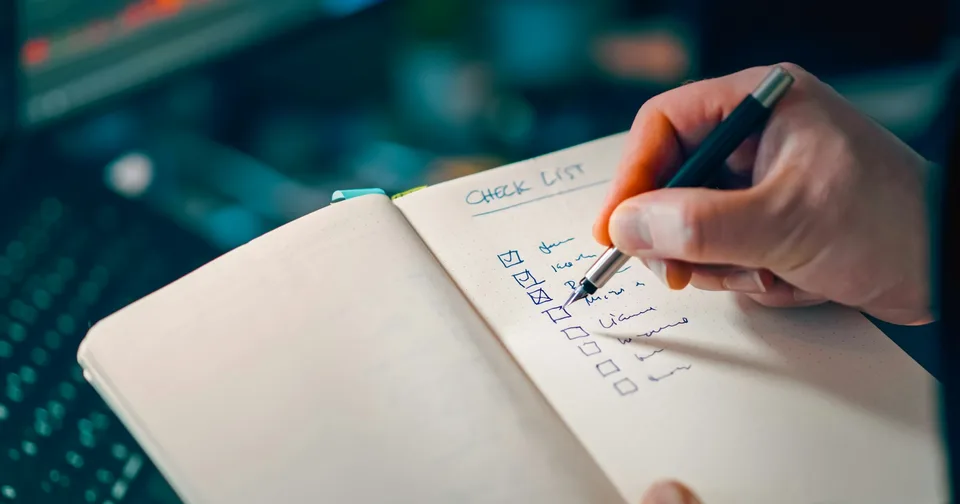
Once a month: update safely, check that backups exist and can be restored, make sure the site is online and fast on a phone, update what customers read, and check renewal dates.
Why a website needs looking after
A WordPress website is made of several pieces of software: WordPress itself, a theme that gives it its look, and plugins, the add ons that give it extra abilities. Each of them releases updates, and many of those updates fix security problems.
When updates are skipped for months, the site becomes an easy target. When they are installed carelessly, something can break without anyone noticing. Maintenance is the routine that avoids both.
The monthly checklist
| Task | Why it matters |
|---|---|
| Take a backup, then install updates | Updates close security holes. The backup means you can undo one that breaks something. |
| Check the site after updating | Open the main pages and the contact form on a phone. A broken form can cost you a month of enquiries. |
| Confirm backups exist, and test one | A backup you have never restored is a hope, not a plan. |
| Remove what you no longer use | Old plugins and old admin accounts are common ways in for attackers. |
| Test the speed on a phone | |
| Update what customers read | Prices, opening hours, products, staff, photos. Out of date information loses trust. |
| Check renewal dates | Domain, hosting and email. An expired domain takes your website and email down together. |
Every few months
- Read every page as if you were a new customer. Is anything confusing or out of date?
- Check your Google Business Profile: hours, photos, phone number and new reviews to answer.
Look at which pages people visit and which searches bring them, in Google Search Console. Our Search Console guideshows how. - Change important passwords, and make sure every admin account belongs to someone who still needs it.
Signs your site needs attention now
- It takes more than a few seconds to show anything on a phone.
- Your browser shows “Not secure” next to the address.
Pages you did not create, strange links, or redirects to other sites. See what to do if your site is hacked.- The contact form sends nothing, or customers say they never got a reply.
- Nobody remembers the login.
Do it yourself, or have it done
Everything on this list can be learned. The question is whether you will do it every month, and whether you will notice when an update quietly breaks your contact form.
Further reading
Official documentation behind the technical guidance in this article.